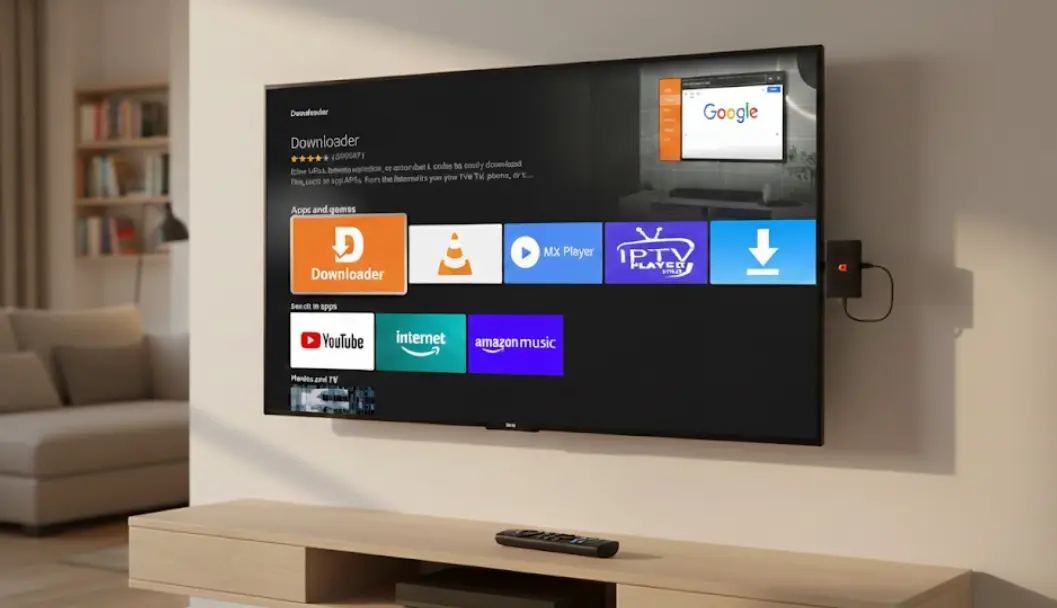
If you’re looking to sideload apps on your Amazon Fire TV device—like the Fire TV Stick, Fire TV Stick 4K Max, or Fire TV Cube—the Downloader by AFTVnews app is essential. This free tool allows you to easily download files and install APKs directly from the internet using simple URLs or short codes. With over 55 million downloads worldwide, Downloader is the most trusted and recommended app for Fire TV sideloading in 2026.
Downloader by AFTVnews features a built-in web browser, file manager, and support for short codes, making it perfect for installing third-party streaming apps not available in the Amazon Appstore. The latest updates (as of early 2026) include improved redirect handling and full compatibility with the newest Fire OS versions.
Why Install Downloader by AFTVnews on Your Fire TV?
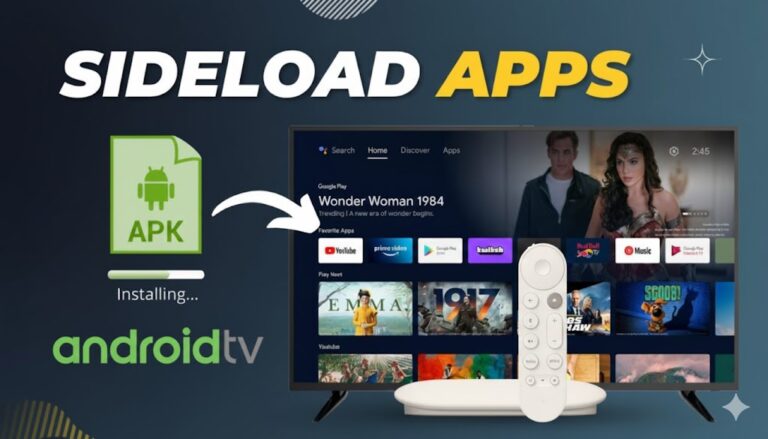
Downloader simplifies “jailbreaking” your Fire TV by enabling quick APK installations without a computer. Key benefits include:
- Easy URL or Code Entry — Enter short numeric codes for instant downloads.
- Remote-Friendly Interface — Fully optimized for Fire TV remotes.
- Built-in Browser — Browse and download directly.
- File Management — Install, open, or delete files easily.
It’s free, lightweight, and regularly updated by developer Elias Saba.
Step-by-Step Guide: How to Install Downloader on Fire TV
The easiest way to get Downloader by AFTVnews on Fire TV is directly from the Amazon Appstore. Follow these simple steps (works on all Fire TV devices in 2026):
- Go to the Fire TV Home Screen
From your Fire TV home screen, select the Search icon (magnifying glass) in the top-left corner.
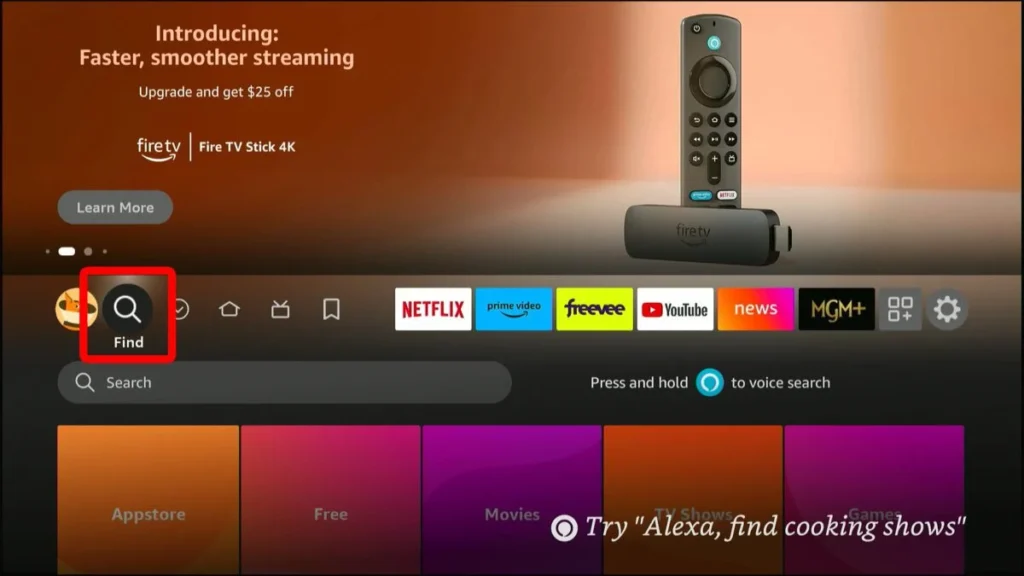
- Search for Downloader
Use your remote to type “Downloader” (voice search works too—hold the microphone button and say “Downloader”).
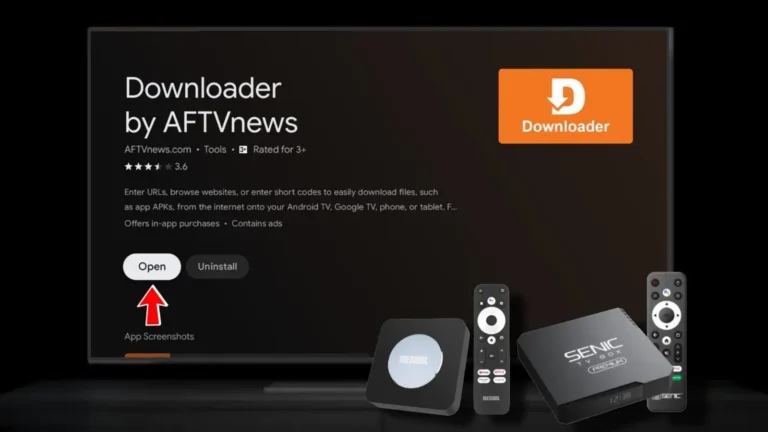
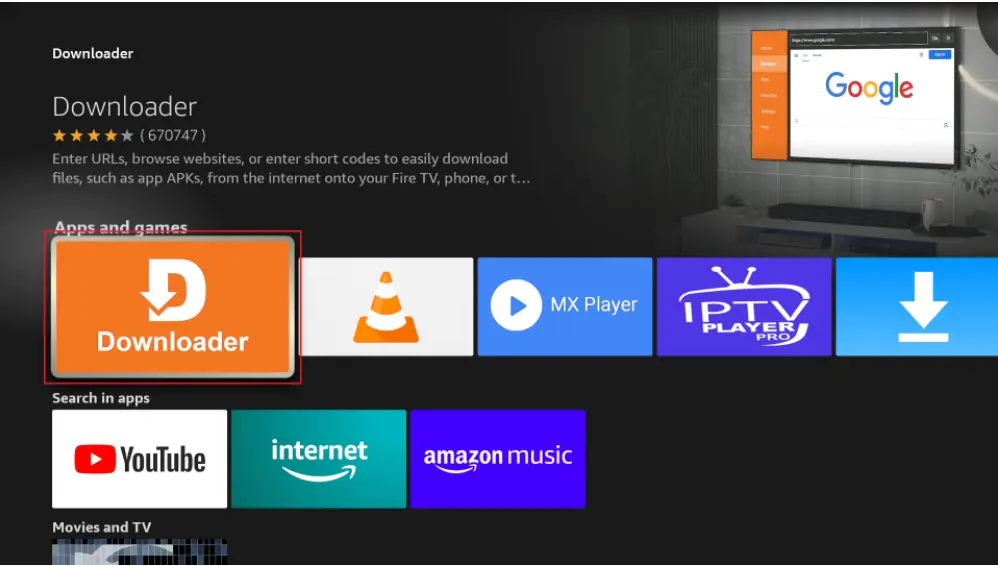
Select the official app by AFTVnews (orange icon). - Download and Install
Highlight the app and select Get or Download. It’s free!
Wait for the download to complete, then select Open to launch it.
- Allow Permissions (First-Time Setup)
On first launch, grant storage permissions if prompted. You’ll see the main interface with the URL bar ready for use.
Direct Amazon Appstore Link: Downloader on Amazon
Enabling “Apps from Unknown Sources” for Sideloading
To install third-party APKs using Downloader, enable this setting (required for security):
- Go to Settings > My Fire TV > About.
- Highlight your device name and click it 7 times to unlock Developer Options.
- Back out and select Developer Options.
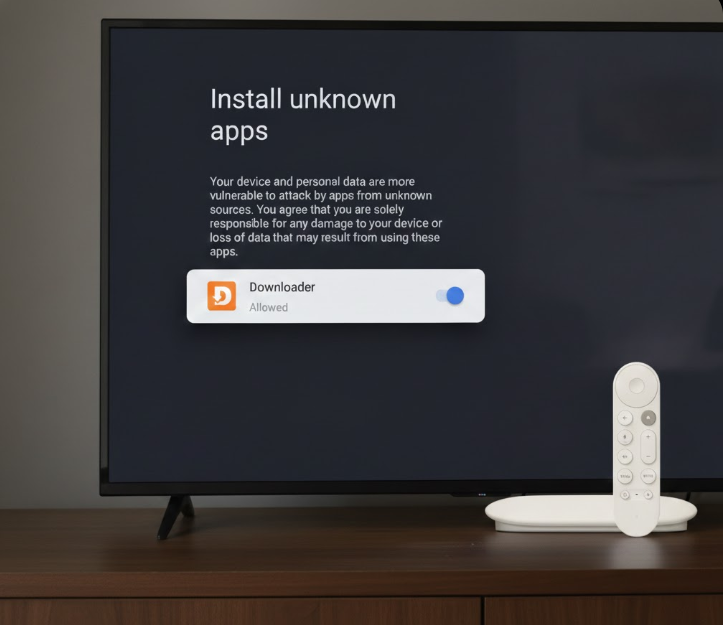
- Turn on Apps from Unknown Sources (or select Downloader and toggle it ON).
Now you’re ready to sideload apps!
Troubleshooting Common Issues (2026)
- Downloader Not Appearing in Search? Try searching on the Amazon website and install remotely to your device.
- Installation Errors? Clear cache in Settings > Applications > Manage Installed Applications > Downloader.
- App Blocked in Some Regions? Use a VPN or sideload the APK from AFTVnews.com.
Get Started with Downloader Today
Once installed, enter popular codes like those from TROYPOINT (updated January 2026) to install streaming apps instantly. Downloader by AFTVnews remains the #1 choice for Fire TV users—safe, fast, and free.
Download it now and unlock your Fire TV’s full potential! If you have questions, check the official site at AFTVnews.com/Downloader. 🚀