Download Downloader
by AFTVnews
The easiest way to browse the web and download files onto your Fire TV and Android devices. No mouse or keyboard needed—just use your remote to enter short codes, navigate websites, and install apps instantly.
Remote Friendly • Short Code Support • Built-in Browser • Easy File Management
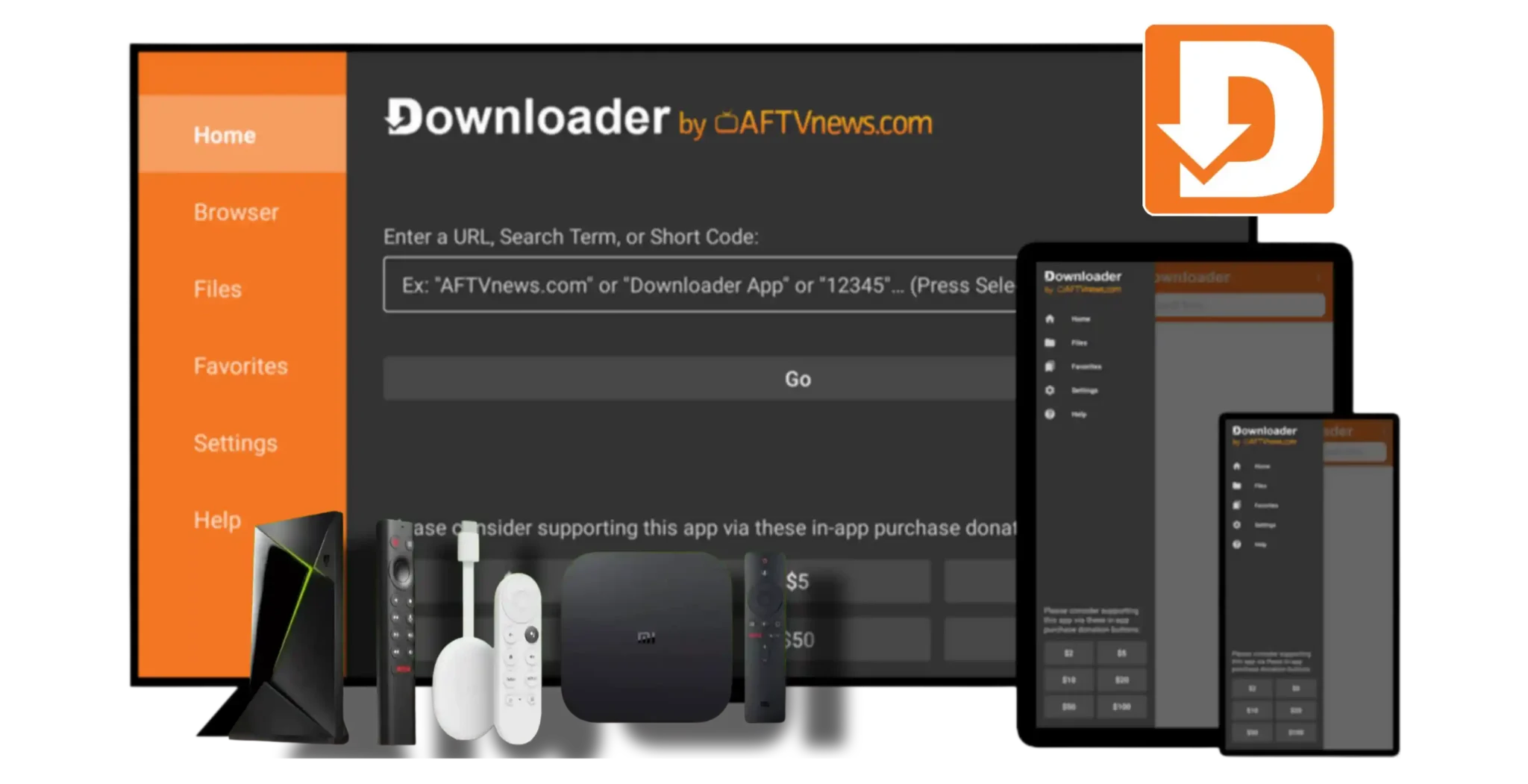
Everything You Need
in One App
Skip the complicated setup. Downloader combines downloading, browsing, and file management perfectly built for TV and mobile.
Instant Downloads
Download files quickly by entering their direct URL or simply using a 5/6 digit Short Code.
Powerful Web Browser
Built-in Web Browser with support for file downloads, full-screen mode, zooming, text resizing, and quick access to favorites/bookmarks.
File Manager Inside
Open, install (if APK), delete, and extensively manage all downloaded files directly within the app itself.
Perfect for TV
On Fire TVs and Android TVs, perfectly navigate websites using just your remote. No mouse or keyboard needed.
The Magic of Short Codes
Typing `https://example.com/very/long/url.apk` on a TV remote is painful. The AFTVnews URL shortener fixes this.
1. Use the AFTVnews shortener website to turn your link into a number.
2. Open Downloader and just type the code.
Why Users Love
Downloader
-
Effortless TV Sideloading
The standard way to install non-store apps on Fire OS and Android TV is complex. Downloader makes it a simple 2-click process.
-
No Bloat, Pure Speed
A lightweight app that loads instantly and keeps your device storage free for the files that actually matter to you.
-
Universal Phone & Tablet Support
It's not just for TV. Over a million phone users trust Downloader for easy, tracked media and app downloads.

Millions of Installs
Trusted worldwide.
Choose Your Device
Downloader is natively supported and highly optimized across all Android-based platforms.
Fire TV
Built primarily for Fire Sticks & Cubes. Full Fire OS remote compatibility.
View Guide →Android TV
Nvidia Shield, Chromecast with Google TV, and smart TVs.
View Guide →Phones
Manage files and rapid-download anywhere on your Android mobile.
View Guide →Tablets
Enjoy the built-in browser and simple download UI on large screens.
View Guide →How It Works
Enter Link or Code
Open the app and use the home screen to enter a standard website URL or a 5-digit short code.
Download File
The app quickly pulls down the file to your local storage, supporting APKs, DOCs, MP3s, and ZIPs.
Install / Manage
Upon completion, either install your new app immediately, or delete the file to save space.
Latest Guides
View AllHow to Download and Install Downloader on Fire TV
A complete walkthrough on preparing your Fire Stick and securing the official application.
Read ArticleComplete Guide to Downloader Codes & How They Work
Understand the AFTVnews plugin, numeric codes, and how to stop typing long URLs on your TV.
Read ArticleMastering the Built-In Browser and File Manager
Unlock the full potential of the integrated web view and file management system.
Read ArticleQuick Questions
Yes, Downloader is completely free to download and use on all supported platforms (Fire OS, Android TV, phones, and tablets).
No! Downloader is explicitly designed to be 100% navigable with a standard D-pad remote controller on Fire TV and Android TV.
Short codes are generated using the AFTVnews URL shortening service online. Community websites often share direct numerical codes for popular files.
Yes. The built-in browser allows you to navigate to any URL and directly download APK files, which you can then click to install immediately provided your device allows "Unknown Sources."
Ready to Simplify
Your Downloads?
Join millions of users streamlining their TV and mobile sideloading.
Go to Download Hub