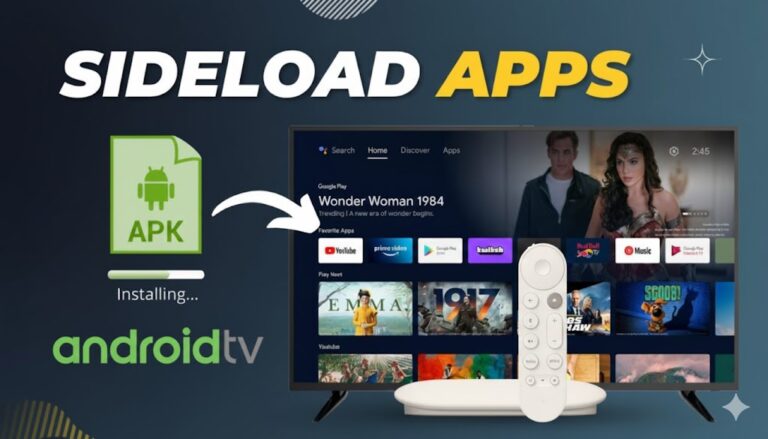
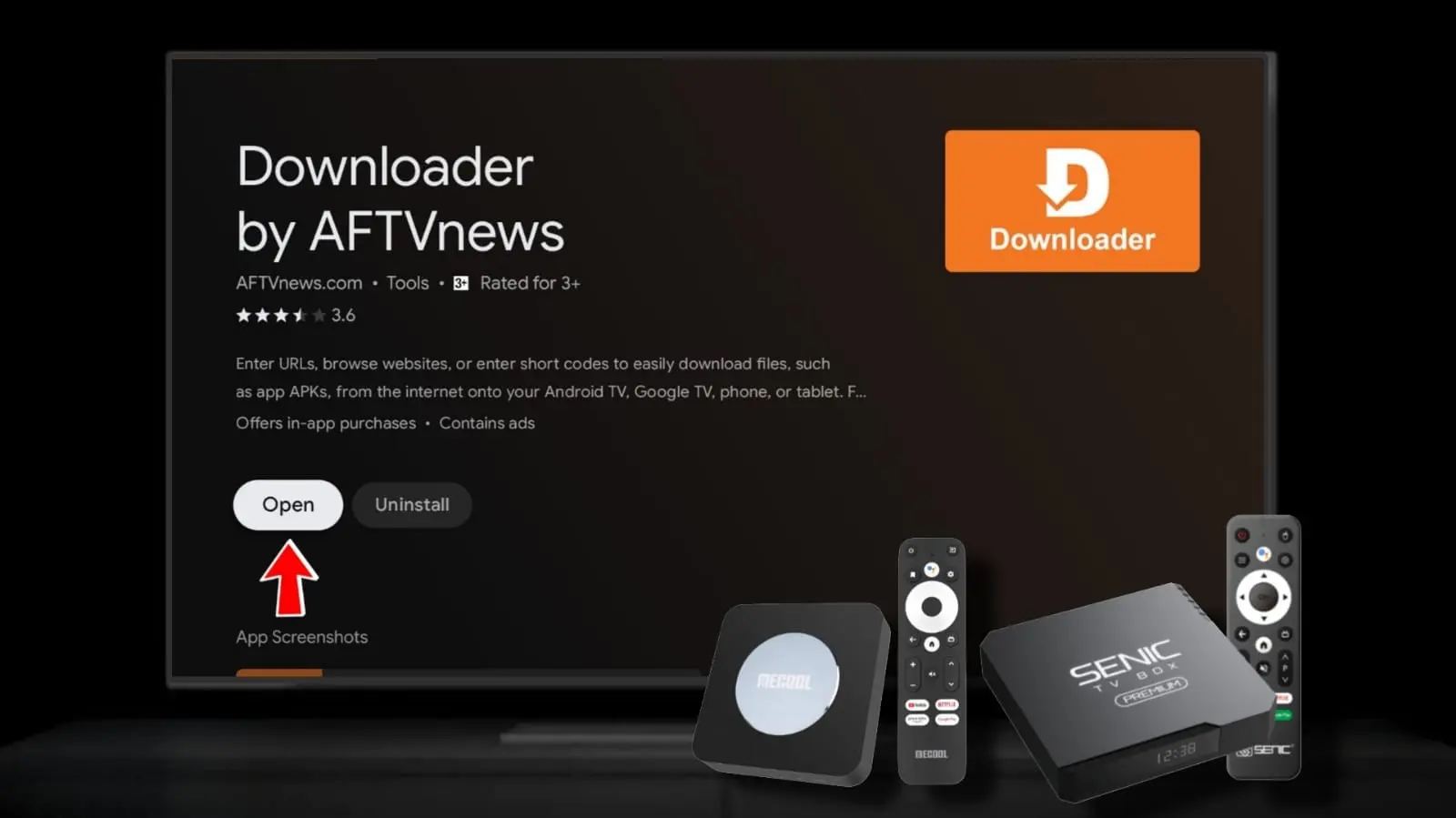
If you’re using an Android TV or Google TV device—such as NVIDIA Shield, Sony Bravia, TCL Google TV, or Chromecast with Google TV—and want to sideload apps easily, Downloader by AFTVnews is the top choice. This powerful, free app lets you download files and install APKs directly by entering URLs or short codes, complete with a built-in web browser and file manager.
As of January 2026, Downloader by AFTVnews (latest version around 1.5.3 or newer) is fully compatible with Android TV 14 and offers enhanced touch support, remote optimization, and reliable performance for sideloading popular streaming apps.
Why Choose Downloader by AFTVnews for Android TV?
Downloader stands out as the most trusted sideloading tool for Android TV users because:
- Simple Short Code System → Enter numeric codes for quick downloads without typing long URLs.
- Remote-Optimized Browser → Navigate websites easily with your TV remote.
- Integrated File Manager → Install APKs, manage downloads, and save favorites.
- Broad Compatibility → Works seamlessly on Google TV, Android TV boxes, and more.
- Free & Regularly Updated → No ads in core functionality (optional upgrade available).
It’s the go-to app recommended by communities like TroyPoint and AFTVnews for expanding your TV’s app library beyond the Google Play Store.
Step-by-Step Guide: Install Downloader on Android TV
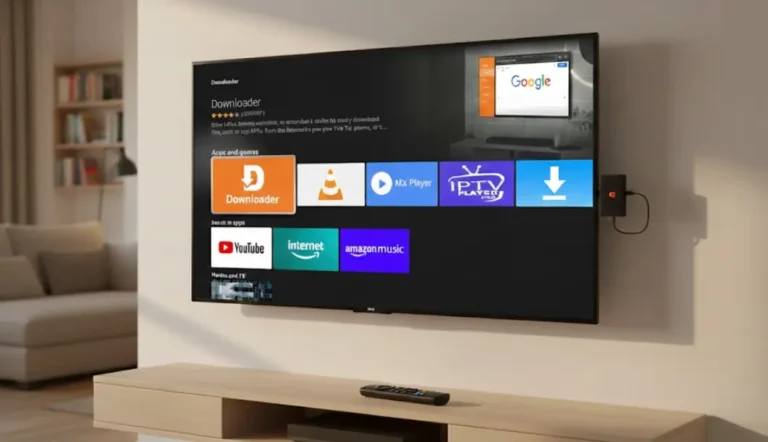
The primary method is through the Google Play Store, where it’s officially available.
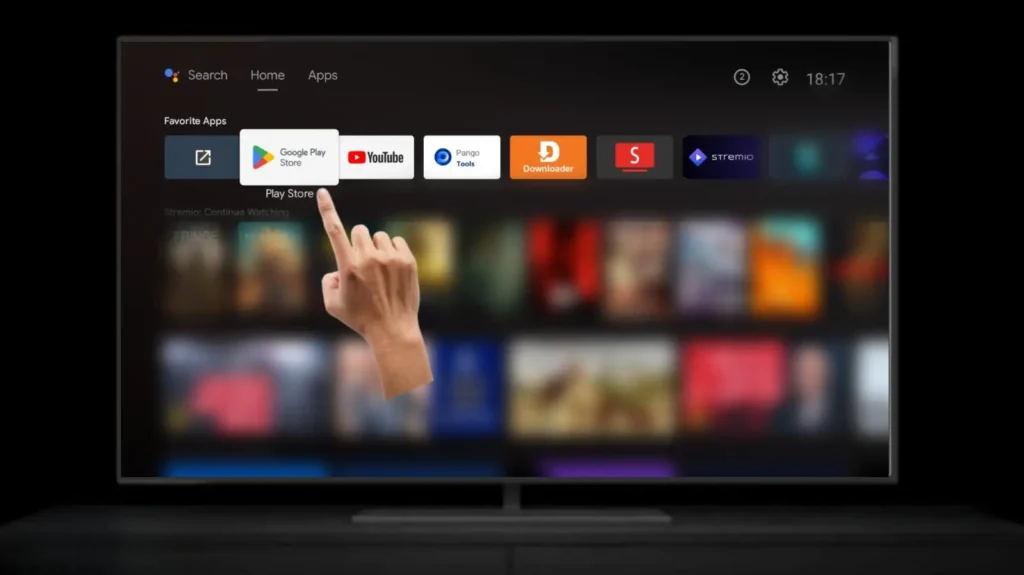
- Open the Google Play Store on Your Android TV
From the home screen, scroll to the Apps row and open Google Play Store. If needed, use the search icon.
- Search for Downloader
Click the search icon (magnifying glass) and type “Downloader by AFTVnews” (voice search works great—say the name).
Select the official app with the orange icon developed by AFTVnews. - Install the App
Highlight and select Install. The download is quick (app size ~8MB).
Once complete, select Open to launch Downloader.
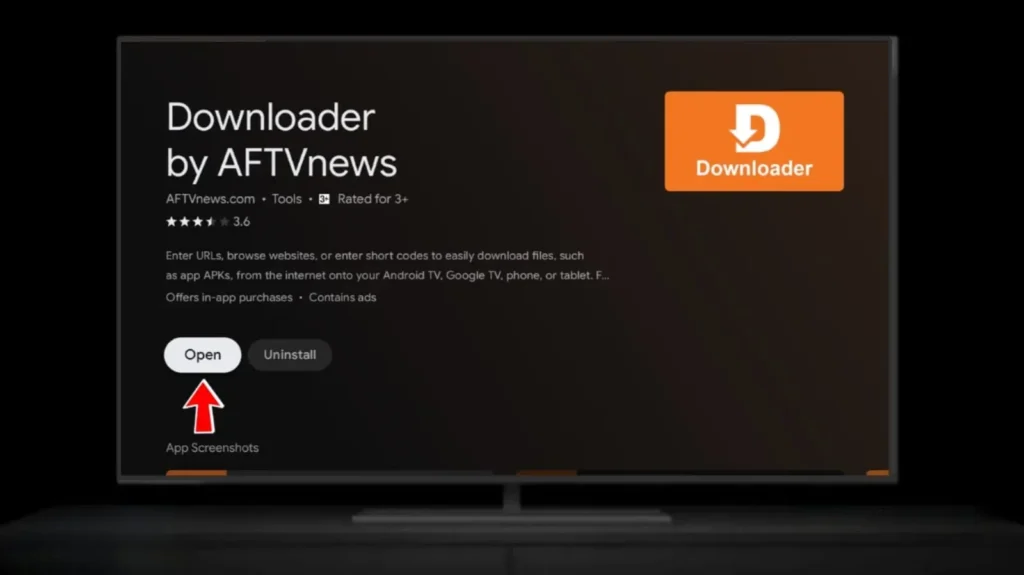
Direct Google Play Link: Downloader by AFTVnews on Google Play
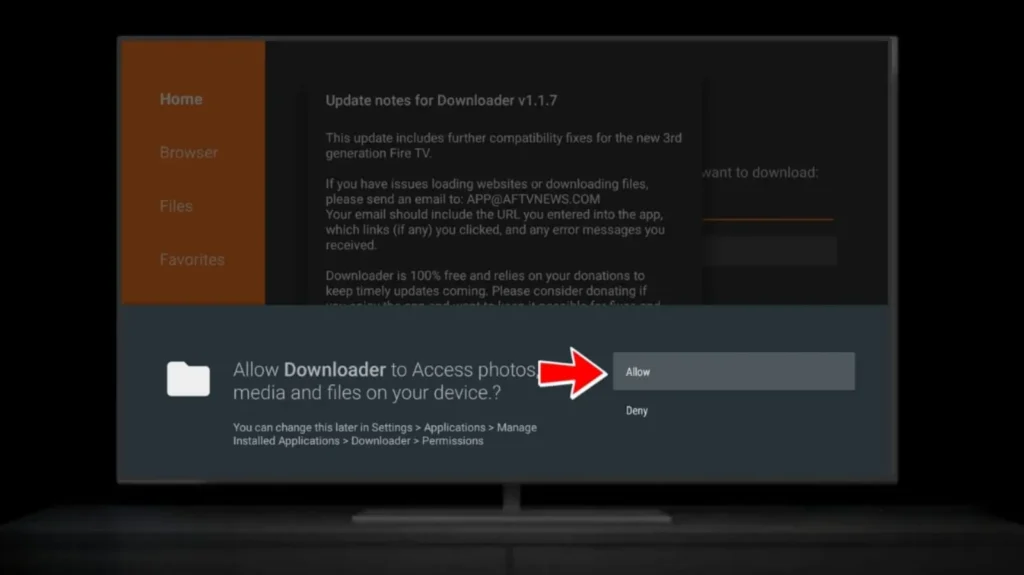
- First Launch Setup
Grant any requested permissions (e.g., storage access). The home screen will show the URL entry bar, ready for use.
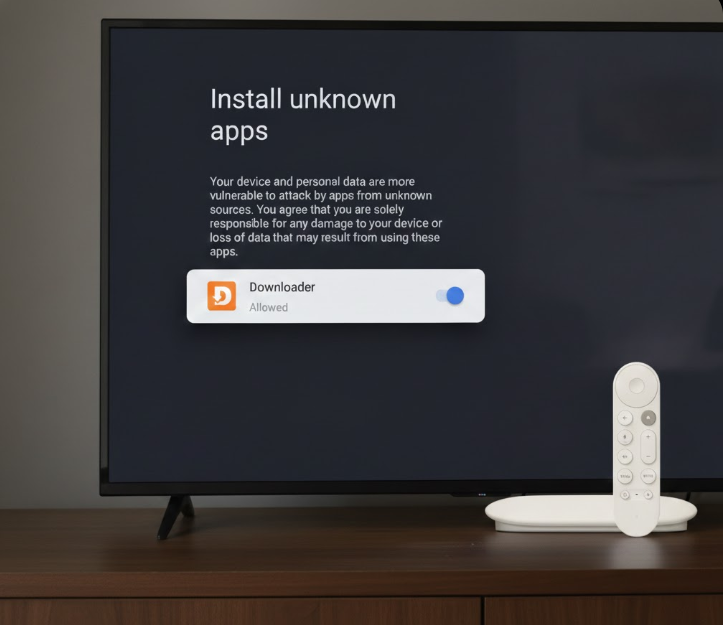
Enabling “Install Unknown Apps” for Sideloading
To install third-party APKs downloaded via Downloader:
- Go to Settings > Apps > Security & restrictions (or Privacy on some devices).
- Select Unknown sources or Install unknown apps.
- Find and toggle ON for Downloader (or your browser/file manager).
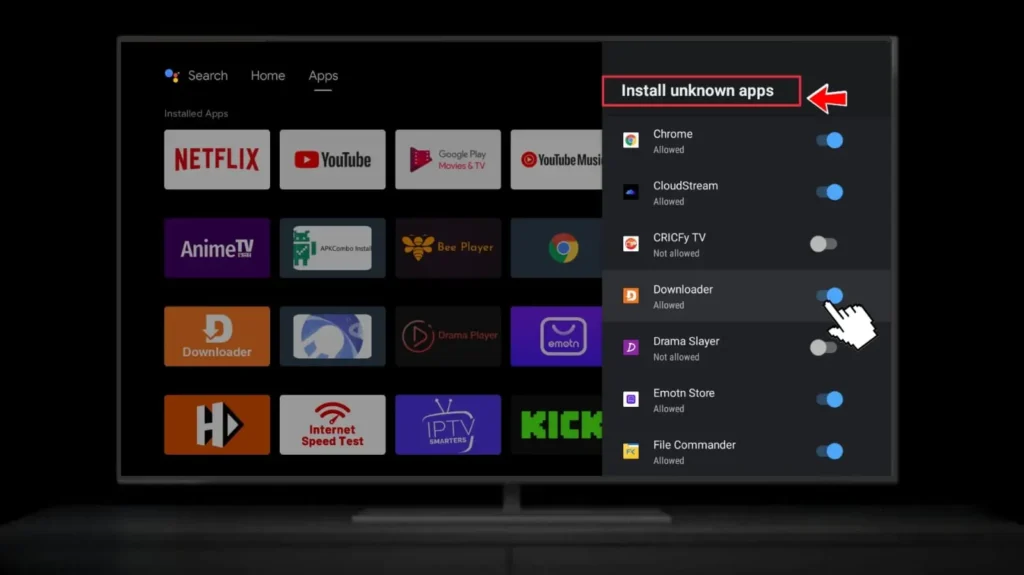
On newer Android TV 14 devices (like Google TV Streamer), you may see a “Play Protect” warning—select “Install anyway.”
Alternative: Sideload the APK If Not in Play Store
If the app isn’t visible in your region’s Play Store:
- Download the latest APK from the official site: downloader-tv.com
- Or trusted source: APKMirror
- Transfer the APK to your TV (via USB or apps like Send Files to TV), then install using a file manager.
Troubleshooting Tips (2026)
- App Not Found in Search? Check your region or use a VPN temporarily.
- Installation Blocked? Ensure “Install unknown apps” is enabled and disable Play Protect if needed.
- Slow Performance? Clear cache in Settings > Apps > Downloader.
Once installed, try popular short codes (updated monthly on sites like TroyPoint) to sideload apps instantly.
Downloader by AFTVnews is safe, free, and the best way to unlock your Android TV’s potential in 2026. Get it today and start sideloading! 🚀 For more help, visit AFTVnews.com.